

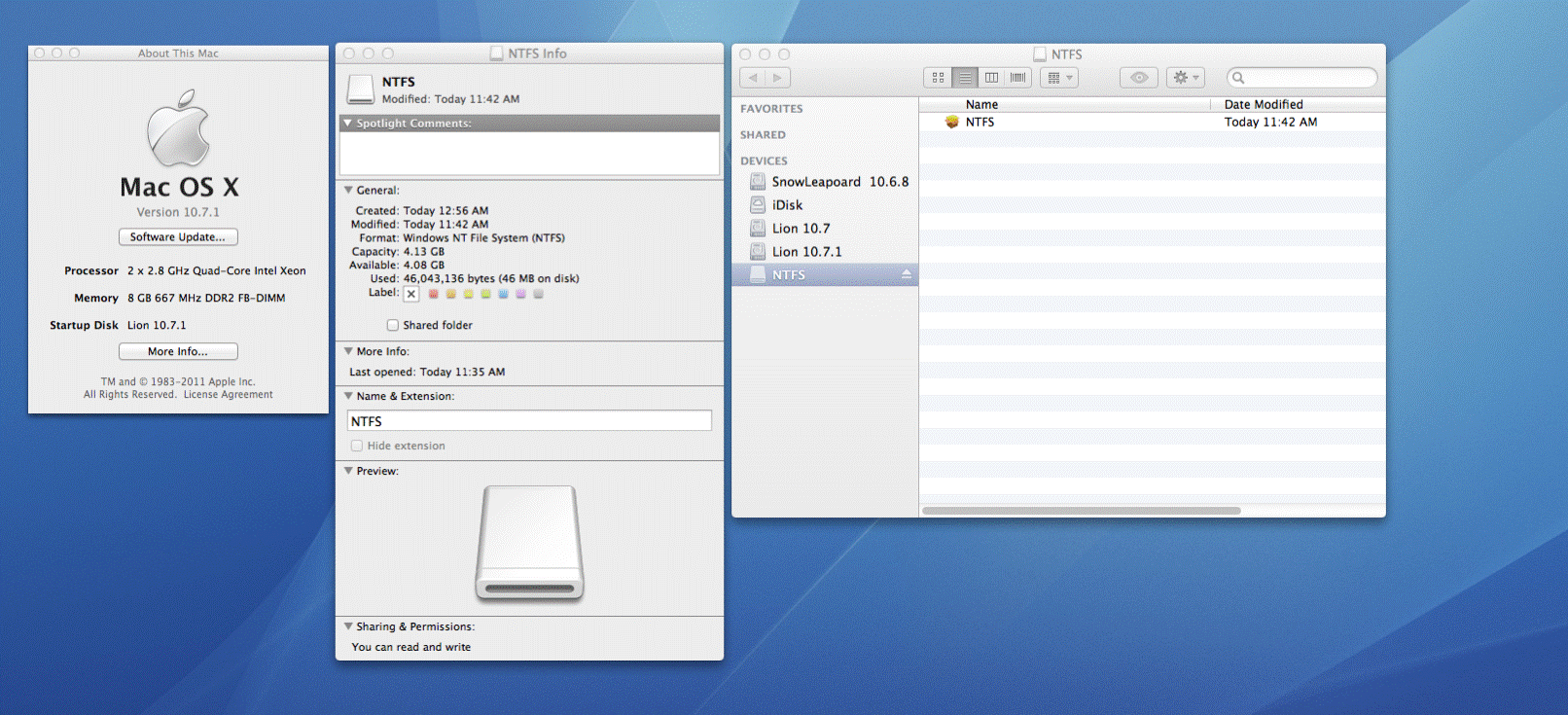
This program allows MacOSX to access Microsoft NTFS formatted harddrives connected by USB port. A modified version of the original Linux code, this program is packaged as a easy-to-use installer so that normal users can install it without hassle.
Project Samples


Categories
Operating System KernelsLicense
Apache License V2.0Follow NTFS-FREE for Mac OS X
Other Useful Business Software
AI-generated apps that pass security review
Retool lets you generate dashboards, admin panels, and workflows directly on your data. Type something like “Build me a revenue dashboard on my Stripe data” and get a working app with security, permissions, and compliance built in from day one. Whether on our cloud or self-hosted, create the internal software your team needs without compromising enterprise standards or control.
Rate This Project
Login To Rate This Project
User Reviews
-
You can experience the fully automatic tool Ntfstool (completely open source and free) to solve this problem: ntfstool.com
-
Doesnt work ! uninstall script here: apple stackexchange(.com) /questions/145037/how-to-uninstall-ntfs-free
-
Doesn't work on Yosemite! Do this to UNINSTALL! Download Uninstall.sh - sourceforge.net/projects/ntfsfree/files/uninstall.sh/download -This is going to remove ntfs-free files from: /System/Library/Extensions/ntfs-free.kext /sbin/mount_ntfs-free /System/Library/Filesystems/ntfs-free.fs -To run this uninstall script, first open your Console.app and write: chmod +x (after this drag and drop uninstall.sh and press Enter) -Then drag n drop uninstall.sh script again and press enter. -Now restart your mac by typing sudo reboot Thats it, your BootCamp disk will appear again :P ---THIS METHOD WORKS FOR YOSEMITE - hackintosh.zone/downloads/confirmation/506-free-ntfs-driver-for-mac-os-x/ --NOTE: Don't run from .zip file (extract it and then install) ; Don't attempt to install this if ntfs-free is still installed! ; If you get error after restart, press "Force"
-
How to remove this. After installing this my bootcam device is not mountable in my mac os. How can i fix this
-
To the Source Forge staff, this project should be removed from Source Forge. As you may notice, the package files are out of date (they are two years old). This does NOT work with OS X Yosemite. Apple should at least block the installation of this package.



